

An AI agent reads data. A Digital Worker knows your business.
The mpmX Context Layer connects ontology, semantic model, and your company knowledge with your data platform, whether Snowflake, Databricks, BigQuery, or Qlik. Digital Workers are AI agents that work with it: with verified context, clear permissions, and traceable decisions.

What is an AI Context Layer?
An AI Context Layer is the layer between company data and AI agents that makes business processes understandable to AI. The mpmX Context Layer consists of an ontology that connects objects, events, rules, and actions across all source systems, a semantic model that defines every metric once, and your company knowledge from policies, work instructions, and knowledge bases. Its foundation is the Digital Process Twin, the model of all processes and transactions. Your data stays on your platform, such as Snowflake, Databricks, BigQuery, or Qlik: the Context Layer reads it there and writes nothing back. AI agents access it via API or MCP.


An agent working on raw data has to guess
Language models know general business knowledge. They don’t know how your company works. Without context, every answer is an assumption.
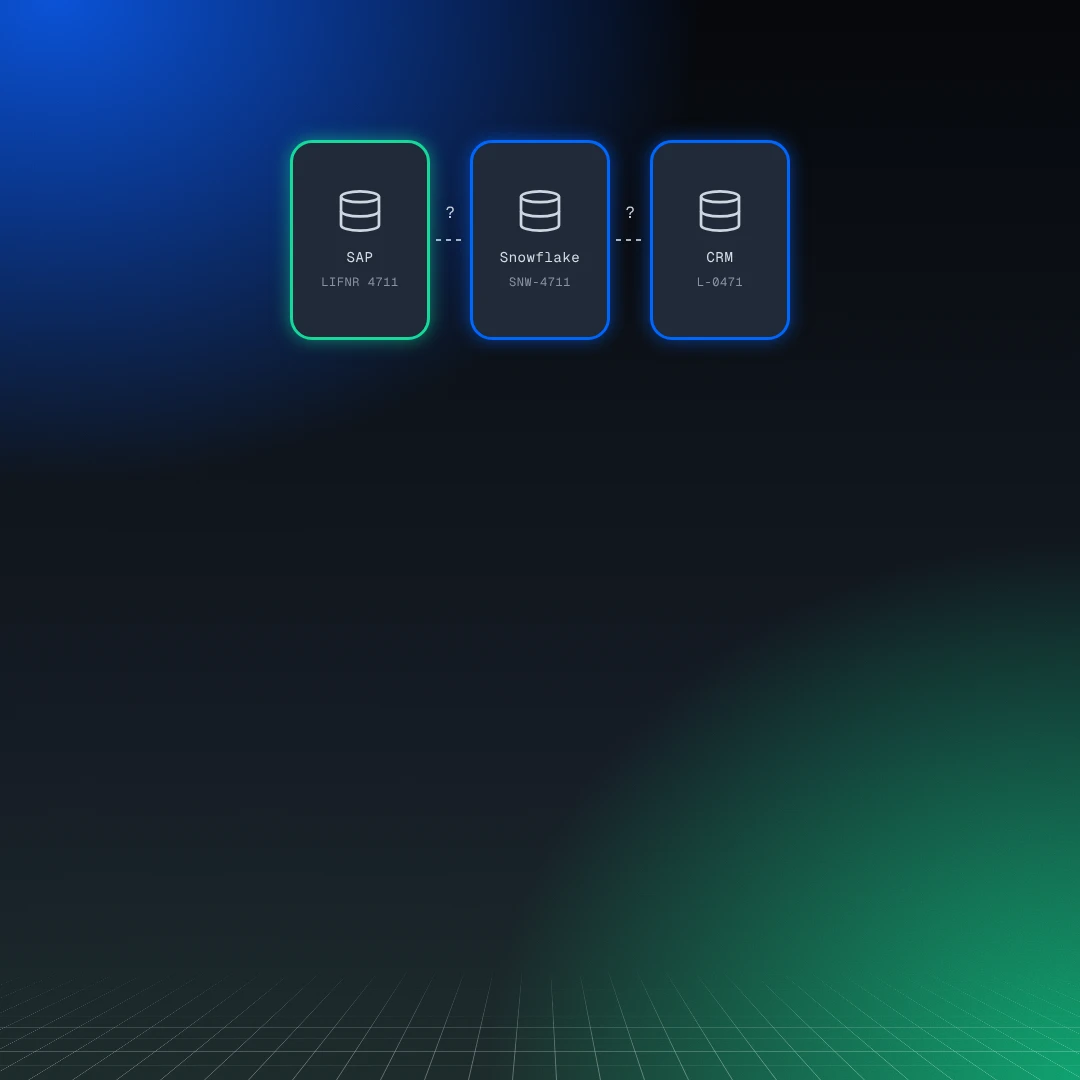
Tables, no connections
An agent sees columns in SAP, Snowflake, and the CRM. Whether they describe the same supplier, it has to guess.
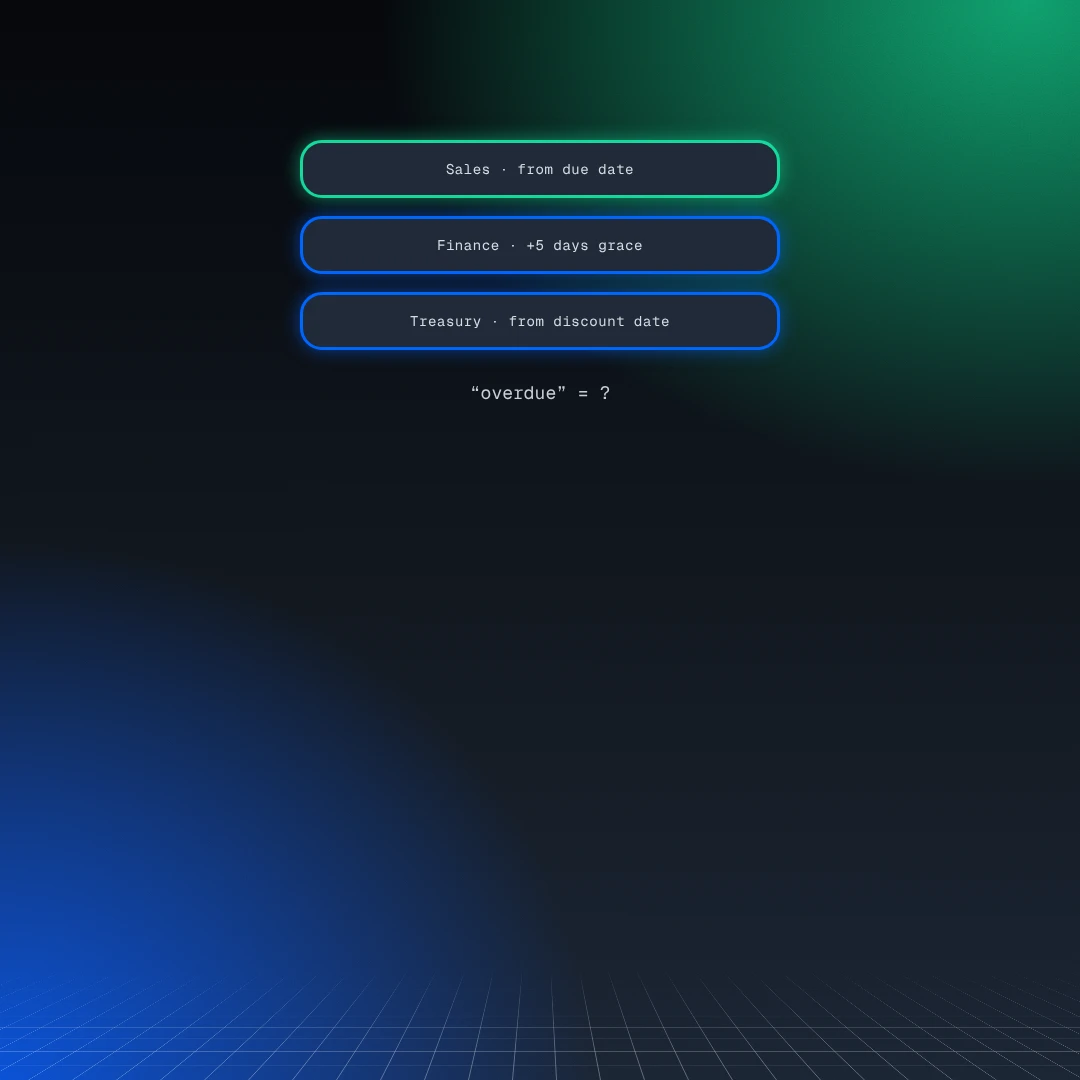
Metrics without a definition
What counts as “overdue” or how DSO is calculated isn’t stored in any table. Every agent calculates it differently.
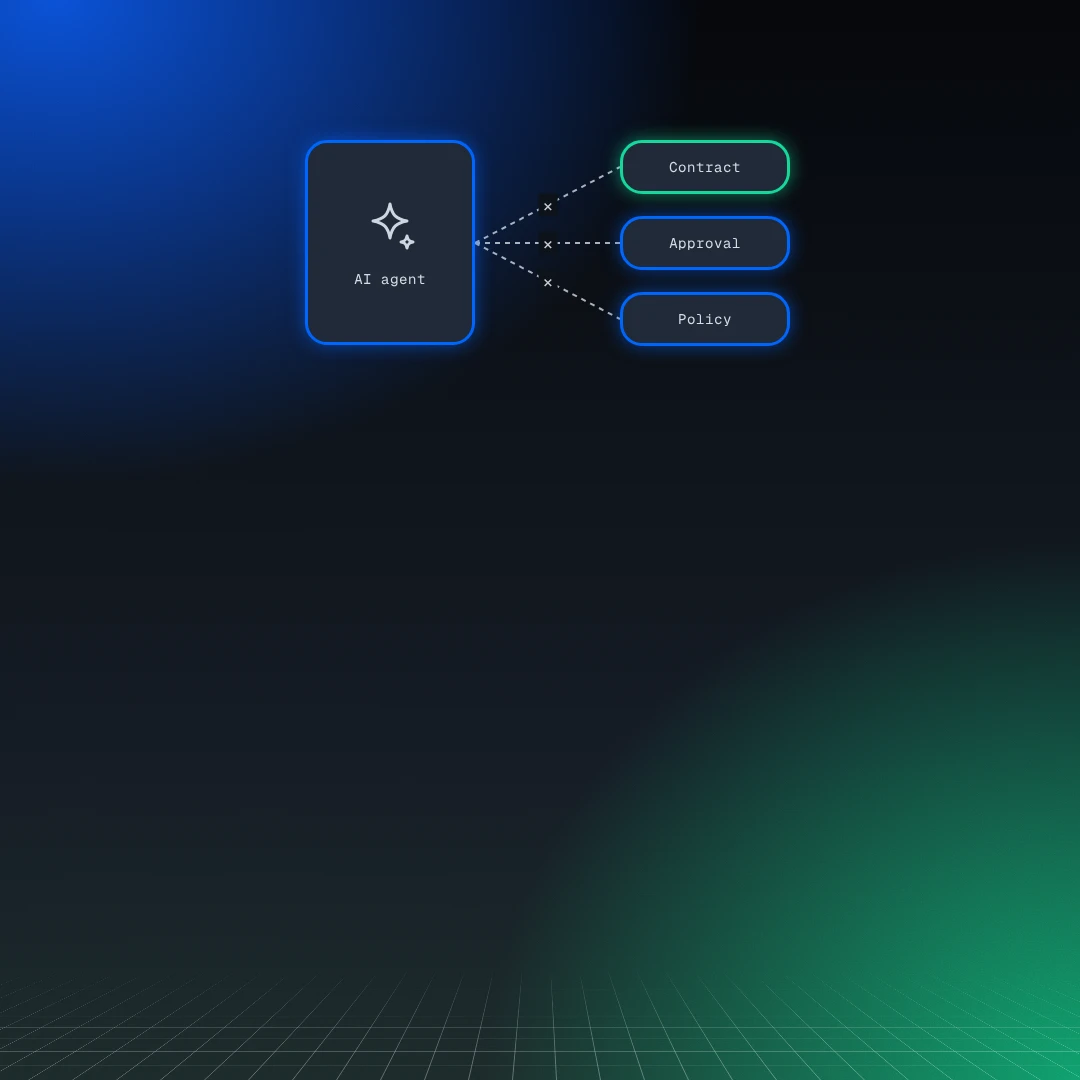
Acting without boundaries
The agent doesn’t know contracts, approval paths, or policies. It can’t tell what it may do and when a person has to decide.
Three layers, one platform
The mpmX Context Layer sits between your data and your AI agents. Your data stays where it is.
Your transaction data stays in your source systems and on your data platform. mpmX builds the twin there, places the Context Layer alongside it, and makes both available to AI agents. Without a data platform, mpmX runs on-premises or in the cloud.
What the mpmX Context Layer is made of
Three building blocks describe your business. Governance follows from the architecture.
Ontology
The map of your business: objects such as supplier, material, or framework contract, events such as an announced price increase, plus rules and actions. Whether a supplier sits in SAP, Coupa, or a supplier portal, it becomes one object.
Semantic Model
The fixed route to every metric. BI, planning, business teams, and Digital Workers calculate with the same definition, and every metric is anchored to an object in the ontology. An existing semantic model on your platform is adopted and stays in use.
Company Knowledge
Your company’s rulebook: policies, work instructions, and process descriptions that are spread across documents and knowledge bases today. External knowledge bases connect via MCP and API.
Governance follows from the architecture
The Context Layer reads your data platform with the role you assign. Its permissions and policies stay in effect, and your data stays where it is. On top of that come the rules from your company knowledge: the Context Layer checks policies and approval paths with every action, on the server rather than in an agent’s prompt. The agent profile defines what a Digital Worker may read, propose, and trigger on its own. Every action is logged with context, rule, approval, and outcome.
The Context Layer is built on mpmX Business Content for covered processes, such as P2P, or from scratch. A language model proposes objects, relationships, and rules from your data structure, existing semantic model, and documents, and your business team approves every element.
An AI agent becomes a Digital Worker
Digital Workers are AI agents that know your processes. They work with the full context of your business and can therefore propose with evidence and act traceably.
How a Digital Worker works
A Digital Worker detects what needs attention, checks it against the context of your business, and proposes what to do. A person decides.
Detect the event
The Digital Worker monitors the process data in the Digital Process Twin. When something needs attention, it picks up the event and links it to the right objects, such as supplier, order, and contract.
Check the context
It checks the rules, metrics, and documents that apply in the Context Layer: contract terms, KPI definitions, internal policies. Every piece of information comes from a source you can trace.
Propose for approval
It proposes an action and shows the reasoning behind it. The agent profile defines who approves and who needs to be informed. The decision stays with your team.
Execute and log
Once approved, the action is carried out within the limits of the agent profile. mpmX logs context, rule, approval, and result for every action.
Book a callOne example of many
Procurement, finance, supply chain, or healthcare: there are Digital Workers for many business areas and industries. By default, each one proposes and a person approves.
FAQ
Answers to the questions that typically come up when getting started with an AI Context Layer.
A semantic layer defines metrics for analytics. A Context Layer adds an ontology with objects, events, rules, and actions, company knowledge from policies and documents, and permissions for AI agents. In the mpmX Context Layer, the semantic model is one of several components. An existing semantic model on your data platform is used and extended with the ontology, and existing metric definitions remain valid.
Only the mapping changes, meaning which property lives in which system. Ontology, rules, actions, agent profiles, and metric definitions stay the same.
No, but it’s the recommended path. With Snowflake, Databricks, BigQuery, or Qlik, mpmX runs natively on the platform. Without a data platform, mpmX runs on-premises or in the cloud; the Context Layer itself is operated by mpmX.
Yes. External AI agents access the Context Layer via API or MCP, with the same permissions and approvals as mpmX Digital Workers.
That’s your choice. Language model and client are freely selectable, cloud-based or local. Your data stays on your platform, even if you switch models.
Through the agent profile. It defines which actions a Digital Worker may propose or execute on its own and when a person decides. Every action is logged with context, rule, approval, and outcome.
The difference is where your data goes. Many vendors load the event log into their cloud. With mpmX, it stays on your platform, and the Context Layer reads it there.
First measurable results within a few weeks, depending on context. With Business Apps and Worker Templates, for example for Working Capital or Compliance, the Context Layer builds on existing objects, metrics, and rules.